> For the complete documentation index, see [llms.txt](https://docs.sketchnote.co/llms.txt). Markdown versions of documentation pages are available by appending `.md` to page URLs; this page is available as [Markdown](https://docs.sketchnote.co/dashboards/the-academy-dashboard.md).
# The Academy dashboard
### Quick notepad
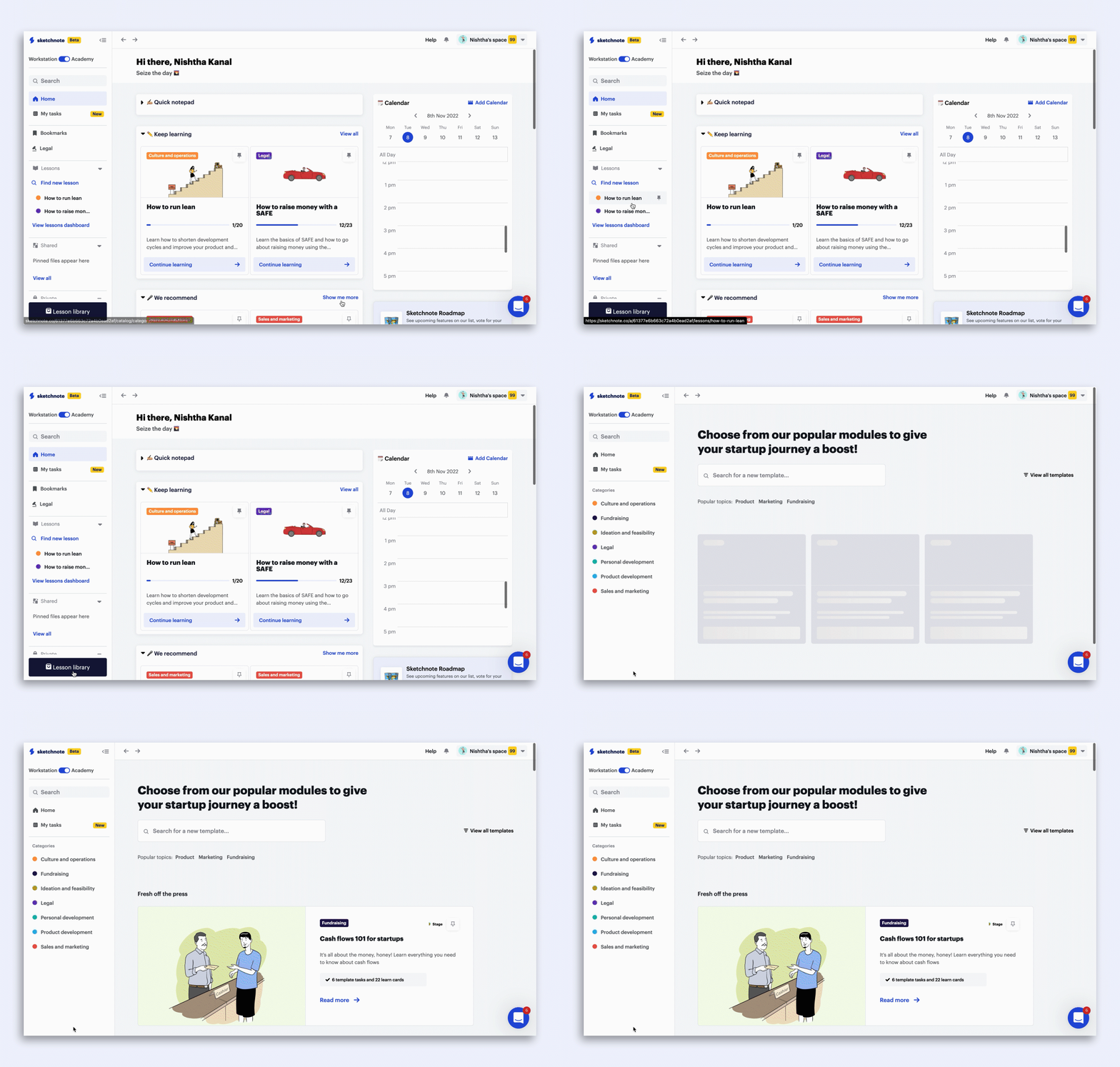
Use the quick notepad space to write impromptu ideas, note down dictated wordings and numbers, or just create reminders for yourself!
### Lessons
On the sidebar, the lessons tab shows you ones you've pinned for quicker access. You can also use the Find new lesson button to quickly head to the library and look for more modules to learn from
### Bookmarks
Throughout the lessons you work on in Sketchnote's Academy mode, you can bookmark cards that are vital or you need to refer to at a later date. These cards can be found in the Bookmarks tab, accessible from the dashboard.
### Legal
Choose from 10+ frequently used legal templates to create your own, useable legal document within minutes! Read [more](https://docs.sketchnote.co/lessons-and-legal-templates/using-legal-templates).
### Lesson Library
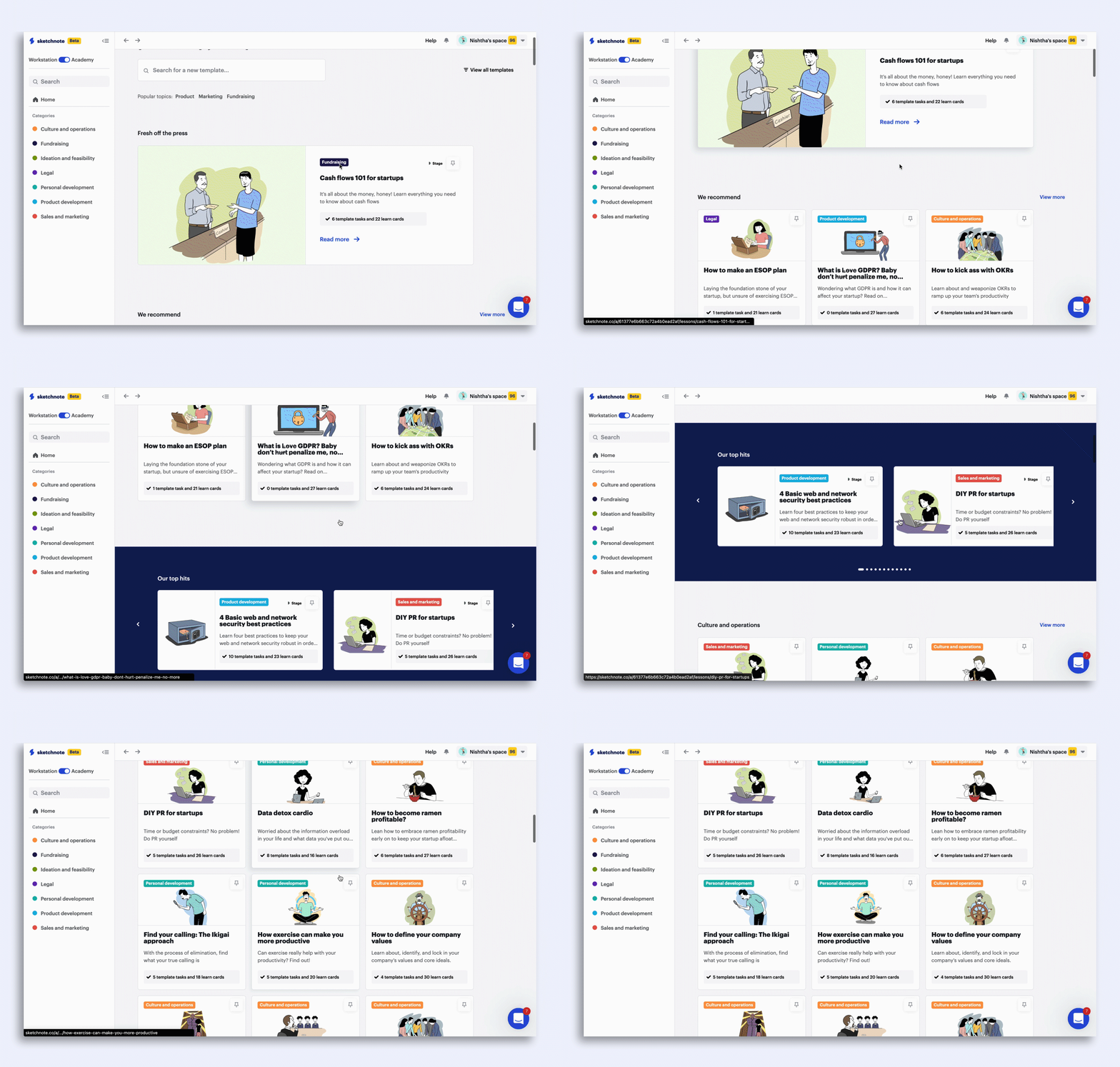
Click on the Lesson Library tab on the bottom left of your screen to explore a world of startup knowledge catalog. Choose your next lesson from categories such as Culture and operations, Fundraising, Personal Development and a lot more!
### Keep learning
Continue learning lessons you've already begun with this nifty shortcut. We'll also tell you how far along the lesson you already are, in order to help you make the right decision on continuing the lesson.
### Sketchnote recommendations
Based on the lessons you've been showing interest in, we'll recommend lessons you might also enjoy working on. Pick from this list, or start a new one from the lesson library when you have the time
.gif?alt=media&token=f9473062-362d-4992-8e8b-85ccbcdeb4d9)